01
Built for this stage
We are prioritizing breeders, multi-pet families, shelters, rescuers, and people who want to help us improve the experience before opening more spaces.

Lost alerts + shared care
A calmer way to share pet life, coordinate care, and bring lost pets home.
Beta access
If you want to try Zoocial on iPhone or Android, leave us your details. This list helps us invite the right first testers as real spaces open.
Product preview
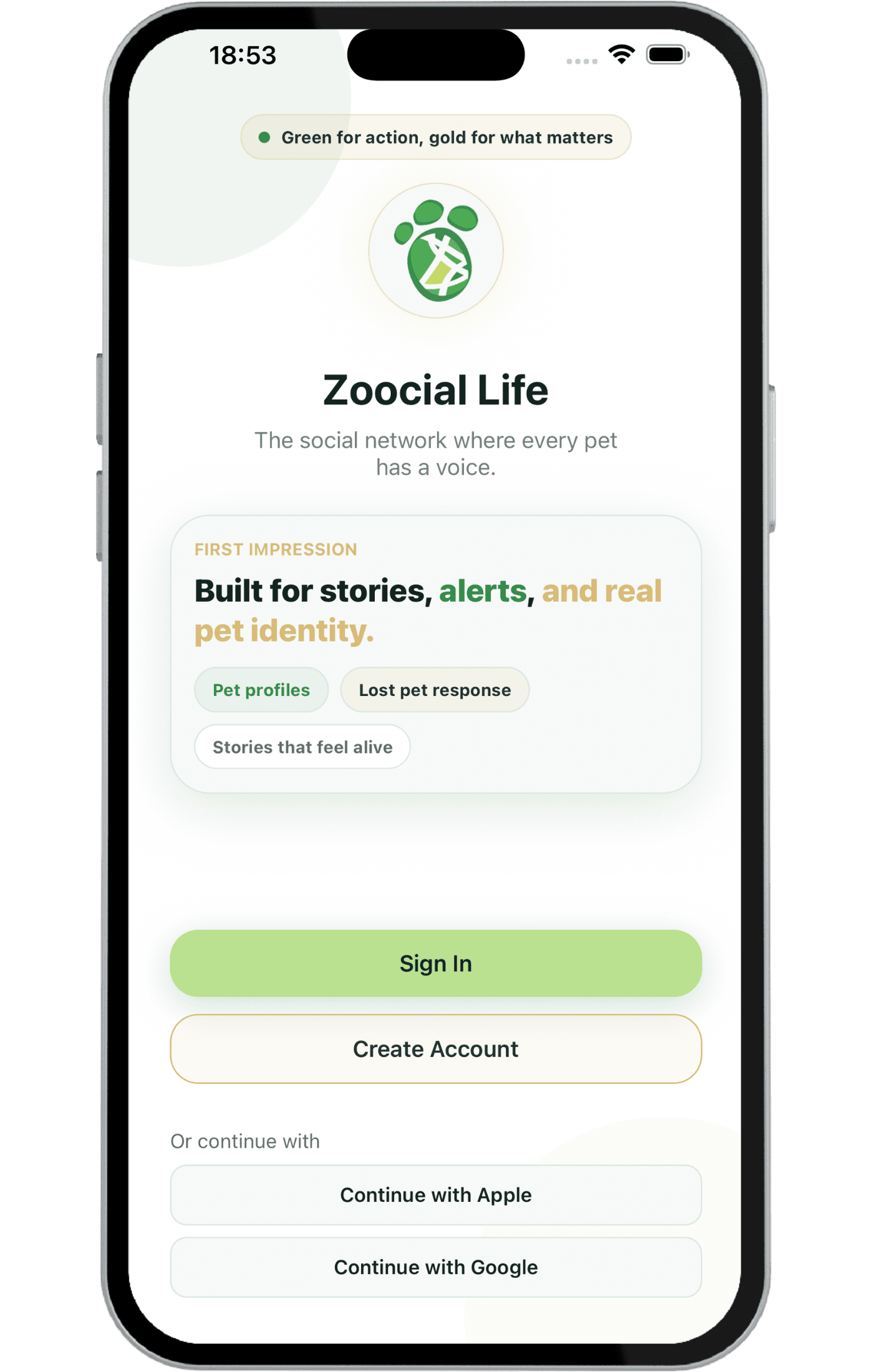
iOS beta access
The iOS beta is distributed through Apple TestFlight. Open the invitation from your iPhone, install TestFlight if needed, and then install Zoocial.
Review legal documents
Android testing will be added after the Play Console and physical-device validation are ready.
01
We are prioritizing breeders, multi-pet families, shelters, rescuers, and people who want to help us improve the experience before opening more spaces.
02
If your profile matches the spaces we open at this stage, we will write to you with context and next steps.
03
It helps us know how you imagine using Zoocial: organizing several pets, sharing profiles, reporting lost pets, coordinating with family, or following up with clients.
How this list works
Step 01
We will ask only for the information we need to understand your profile, city, and the platform you want to test.
Step 02
Your profile helps us prioritize iPhone vs Android, breeders vs families, and the cases where Zoocial can learn fastest.
Step 03
When spaces are available, we will contact you through your preferred channel to invite you or ask for a little more context.